Please view from Desktop!
Project & Feature Roadmap
What Google Maps Could Become.
Now (2025-2026)
Current State
Wallet QR tickets
NFC tap-to-pay
Offline ticket display
Near-Term
Gap Closers
Pre-load tickets on WiFi
Group ticketing in one tap
Multi-city pass bundles
IDEAL VISION
Future
One tap = whole journey paid
Offline ticket purchase
UX Design Principles For System
Zero new apps
Every interaction must be completable inside Maps + Wallet. No redirects to third-party stores.
Offline first
Anything bought should be usable without a data connection. Cache proactively, not reactively.
Anything bought should be usable without a data connection.
Anticipatory AI
Gemini should detect your upcoming journey and surface ticket options before you even search.
One wallet
All passes, all cities, all modes in Google Wallet, unified history, unified display.
Search you destination
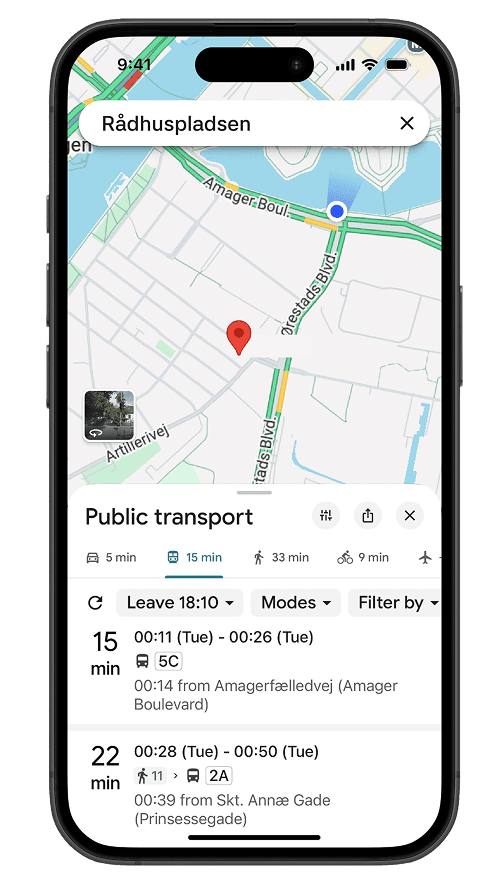
Open Google Maps and type your destination. Tap the blue transit icon. Maps instantly shows routes with real-time departure times and walking instructions.
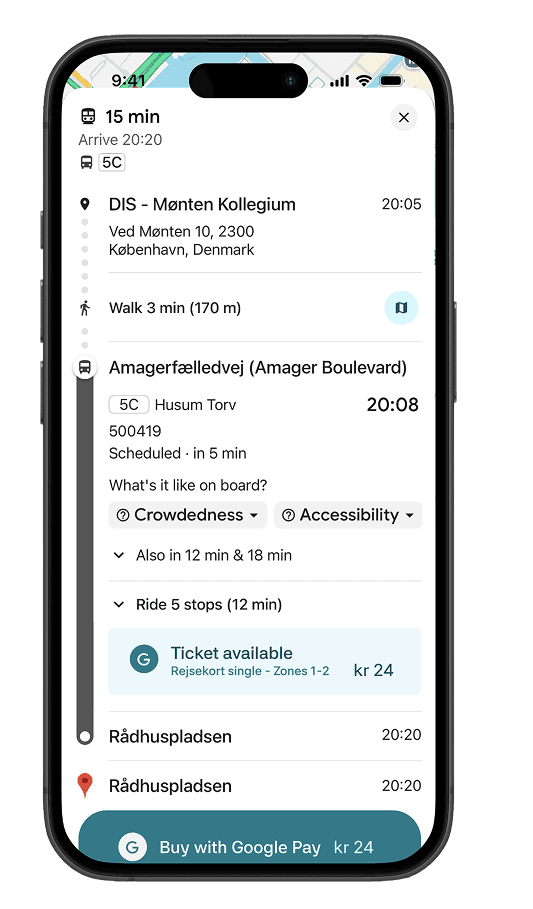
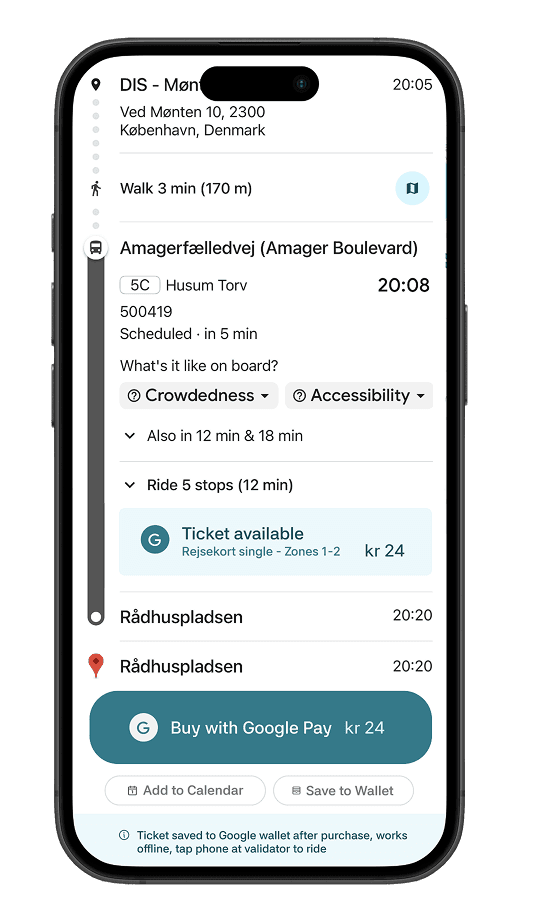
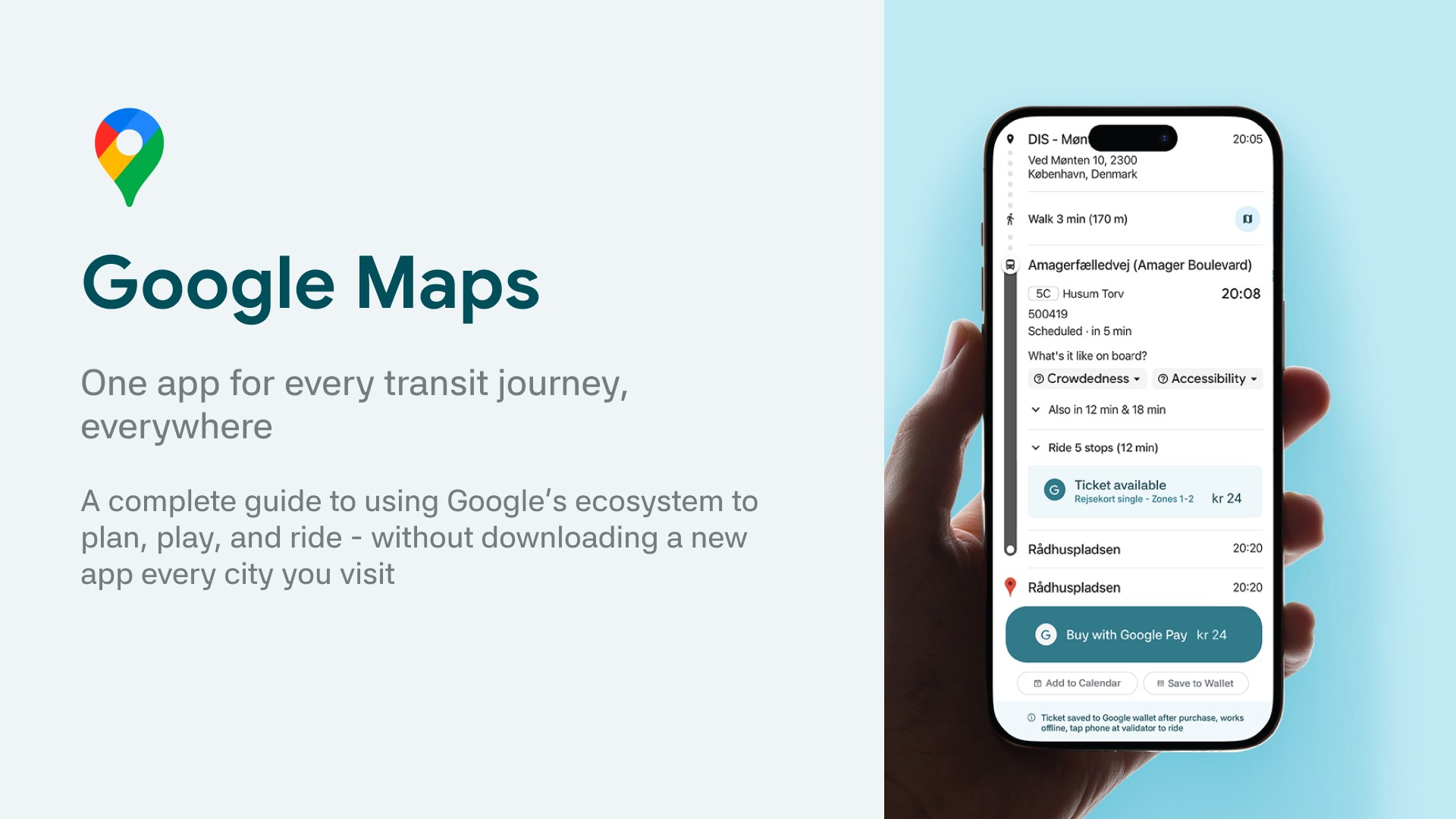
Tap a route to see "Buy ticket" or "Buy Pass with GPay." Your trip details are pre-filled.
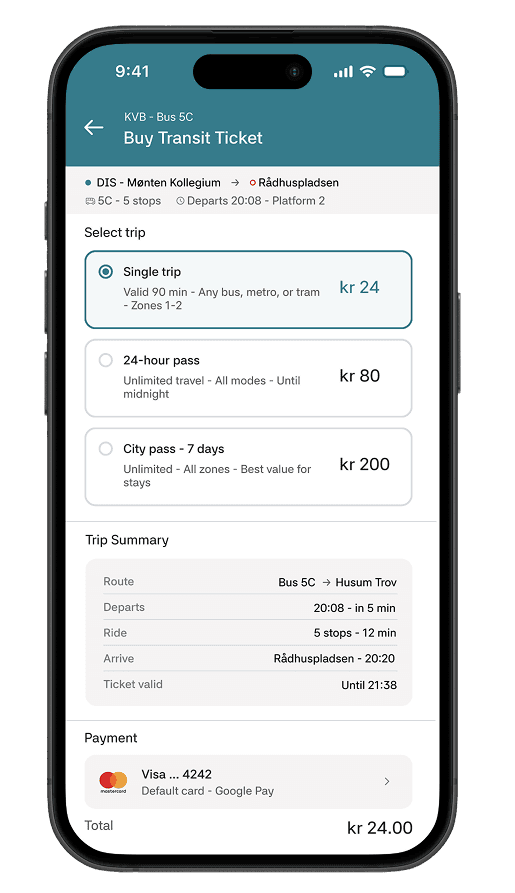
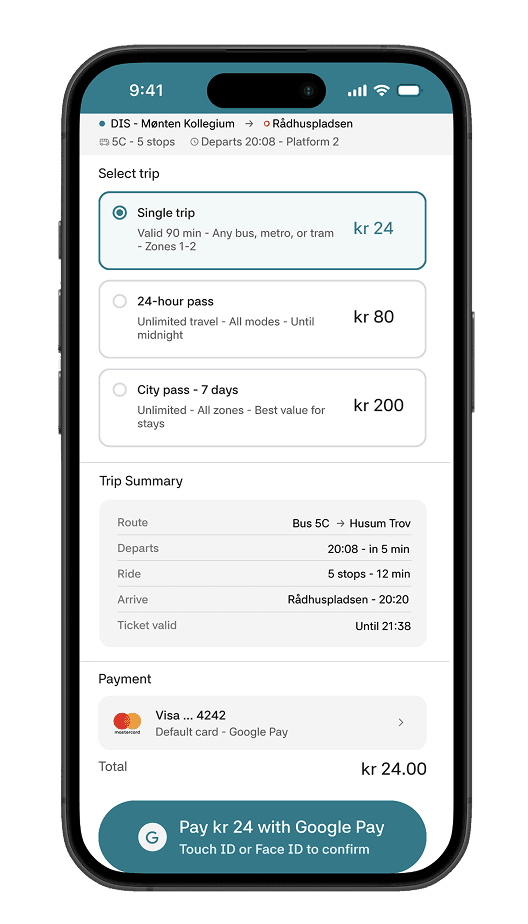
Select fare type (single, day pass, city pass), tap pay, authenticate with face, done in under 10 seconds.
Select fare type (single, day pass, city pass), tap pay, authenticate with face, done in under 10 seconds.